Designing Event-Driven Architectures in Node.js with NestJs and RabbitMQ
October 6, 2026 · 5 min read
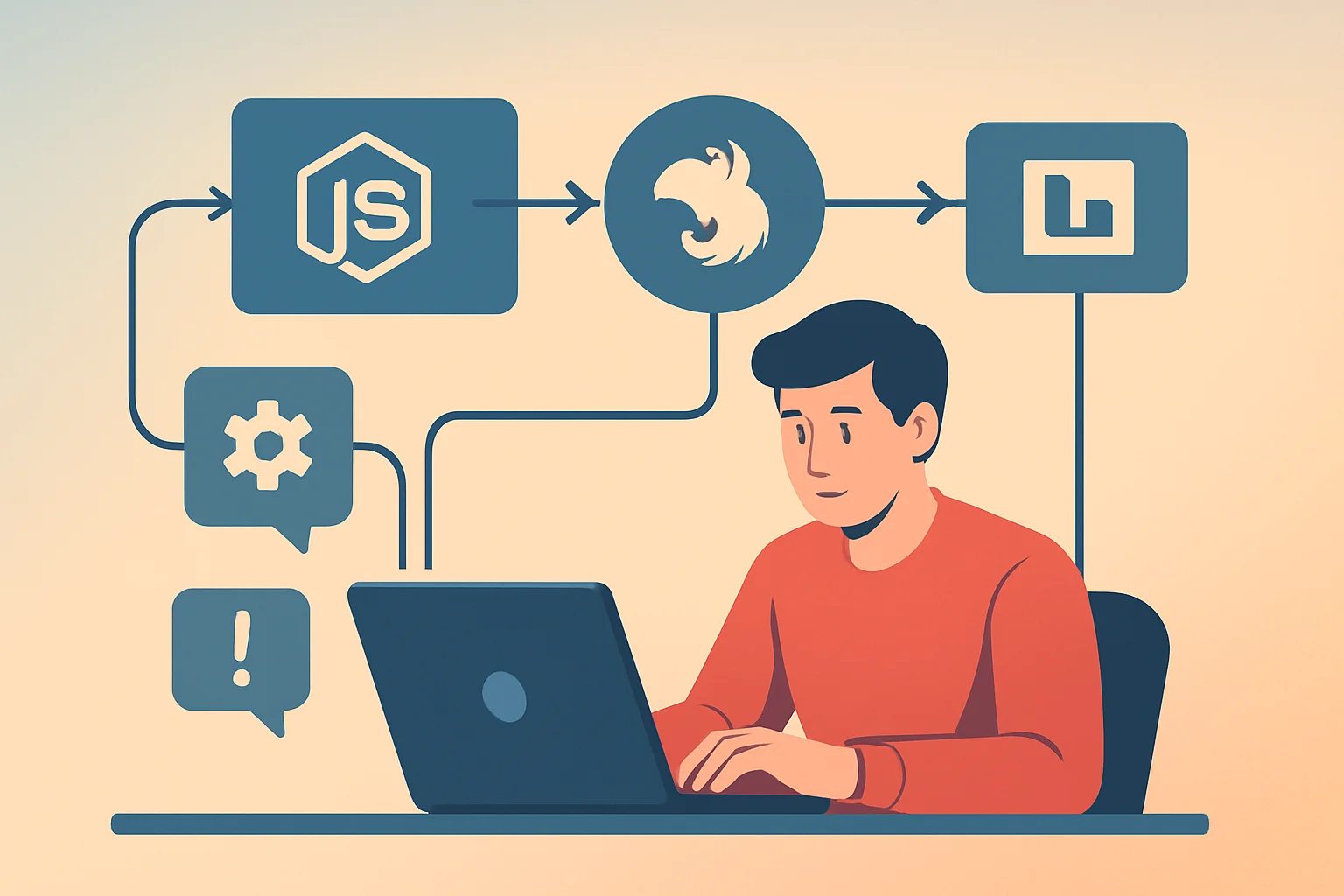
In the world of backend development, event-driven architectures (EDAs) are increasingly prevalent for building scalable and decoupled systems. Node.js, combined with frameworks like NestJs, provides a powerful foundation for this style. Integrating a robust message broker like RabbitMQ can further enhance your architecture, offering reliable message delivery and flexible communication patterns.
In this article, I'll dive deep into designing event-driven architectures with NestJs and RabbitMQ, focusing on core messaging patterns, error handling mechanisms, and practical scaling considerations learned from real-world experience.
Why Event-Driven Architecture?
Before diving into specifics, a quick note on why EDAs are beneficial:
- Loose coupling: Services communicate via messages rather than synchronous API calls, reducing interdependencies.
- Scalability: Components can scale independently and process workloads asynchronously.
- Resilience: Message brokers act as buffers, allowing fault tolerance and reliable delivery.
NestJs provides abstractions for integrating message brokers, and RabbitMQ is a battle-tested AMQP broker well-suited for enterprise-grade event-driven systems.
Setting Up RabbitMQ in a NestJs Microservice
NestJs has built-in support for microservices and integrates seamlessly with RabbitMQ.
To start, install RabbitMQ and the required NestJs microservices package:
npm install --save @nestjs/microservices amqplib
Then, configure your NestJs application to use RabbitMQ as a transport:
import { NestFactory } from '@nestjs/core';
import { AppModule } from './app.module';
import { MicroserviceOptions, Transport } from '@nestjs/microservices';

async function bootstrap() {
  const app = await NestFactory.createMicroservice<MicroserviceOptions>(AppModule, {
    transport: Transport.RMQ,
    options: {
      urls: ['amqp://localhost:5672'],
      queue: 'events_queue',
      queueOptions: {
        durable: true,
      },
    },
  });

  await app.listen();
}

bootstrap();
This simple configuration connects your microservice to RabbitMQ on the default port and listens to a durable queue named events_queue.
Common Messaging Patterns with RabbitMQ
RabbitMQ supports multiple messaging patterns that you can leverage depending on your use case:
1. Point-to-Point (Queue)
The simplest pattern, a message producer sends messages to a queue, and one or more consumers compete to consume.
- Use case: Tasks that need to be processed once, e.g., image processing jobs.
- Behavior: Messages are load-balanced among consumers.
2. Publish/Subscribe (Exchanges)
Producers send messages to an exchange that routes messages to multiple queues based on binding rules.
- Use case: Notifications that multiple services need, e.g., updating caches and triggering audit logs.
- Exchange types:
- Direct: routes based on exact routing keys.
- Fanout: broadcasts to all bound queues.
- Topic: routes based on pattern matching.
3. RPC Style
A client sends a request and waits for a direct reply from a service.
- Note: While possible, using RabbitMQ for RPC should be done judiciously to avoid tight coupling.
Here's a snippet demonstrating a simple RPC request in NestJs:
// Client side
client.send<string, string>('sum', '10,20').subscribe(result => {
  console.log(`Sum is ${result}`);
});

// Server side
@MessagePattern('sum')
sum(data: string): string {
  const [a, b] = data.split(',').map(Number);
  return (a + b).toString();
}
Handling Errors and Message Acknowledgment
Proper error handling in messaging systems is critical to avoid message loss or duplicate processing.
Acknowledgments
- When a consumer processes a message successfully, it sends an acknowledgment (ACK) back to RabbitMQ.
- If a consumer fails, it can reject or negatively acknowledge the message (NACK), possibly re-queuing it.
NestJs's microservice layer handles acknowledgments automatically unless otherwise configured.
Dead Letter Exchanges (DLX)
Messages that fail repeatedly shouldn't clog the queue. Instead, route them to a dead letter exchange for later inspection.
RabbitMQ allows queues to be configured with DLX and DLQ (dead letter queue).
Example configuration snippet:
options: {
  queue: 'events_queue',
  queueOptions: {
    durable: true,
    arguments: {
      'x-dead-letter-exchange': 'dead_letters',
    },
  },
},
A consumer can then inspect failed messages in the dead letter queue for manual or automated remediation.
Retry Strategies
Retrying failed messages should generally be done with exponential backoff or delay queues to avoid hammering services.
In NestJs, you can implement retries by catching errors in handlers, logging, and conditionally re-throwing or ignoring based on error type.
Scaling Considerations
Horizontal Scaling
RabbitMQ queues can have multiple consumers running on separate instances for parallel processing.
- Ensure your queues are durable and messages are persistent so they survive broker restarts.
- Use consumer prefetch count to control message flow, e.g.,
prefetch(10)limits the number of unacknowledged messages.
Load Balancing
RabbitMQ balances messages across consumers via round-robin (with same prefetch). For workload balancing based on complexity, consider manually setting acknowledgments or using separate queues.
Clustering RabbitMQ
For fault tolerance, use RabbitMQ clustering or high availability queues with mirrored queues across nodes.
Monitoring
Monitor queue lengths, consumer utilization, and message rates with tools like RabbitMQ Management Plugin to identify bottlenecks.
Tips for NestJs + RabbitMQ Development
- Use the
@MessagePattern()decorator on methods to listen to specific message patterns. - Keep message payloads compact and avoid embedding complex objects.
- Use protobuf or JSON schemas for message validation.
- Implement idempotency where possible to handle duplicate messages gracefully.
- Configure connection retry logic in production to handle transient network failures.
Example: Simple Event Handler in NestJs
import { Controller } from '@nestjs/common';
import { EventPattern, Payload } from '@nestjs/microservices';

@Controller()
export class EventsController {
  @EventPattern('user.created')
  async handleUserCreated(@Payload() data: any) {
    console.log('User created event received:', data);
    // Process event, e.g. update a read model, send welcome email
  }
}
This pattern scales elegantly as more event types and consumers are added.
Key takeaways
- RabbitMQ is a versatile broker offering multiple messaging patterns that fit well with event-driven NestJs applications.
- Proper error handling and acknowledgment processes are essential to ensure reliability and avoid message loss.
- Designing for scalability means leveraging RabbitMQ features like durable queues, consumer prefetch limits, and clustering.
- NestJs microservices abstraction simplifies RabbitMQ integration while allowing control over advanced features.
By thoughtfully combining NestJs with RabbitMQ, you can build backend systems that are robust, scalable, and maintainable, capable of handling complex workflows asynchronously.
If you're architecting your next Node.js backend, consider event-driven design backed by RabbitMQ—it might just be the decoupling and scalability boost your application needs.